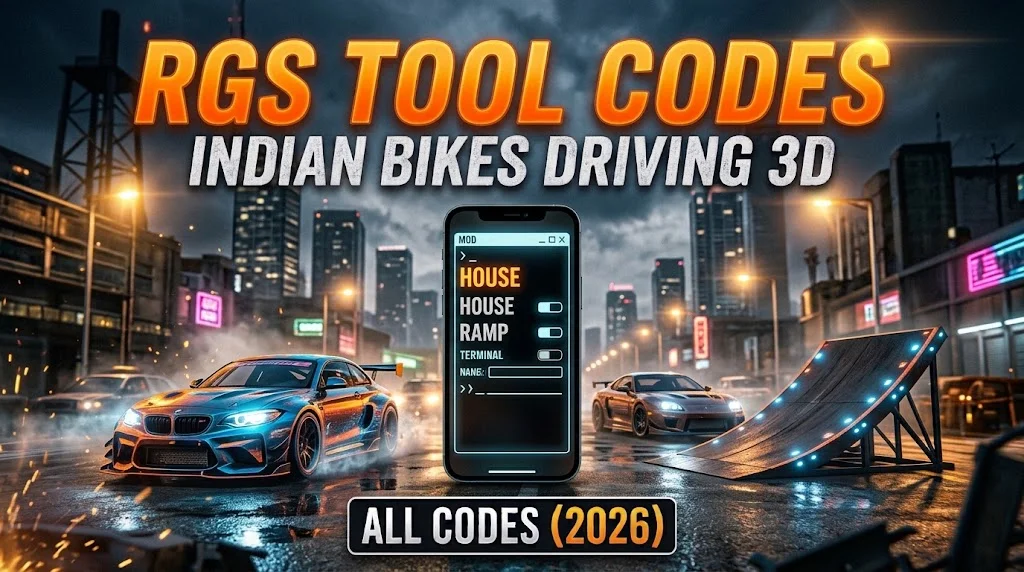
Want to reshape the game world beyond standard dialer codes? The RGS Tool in Indian Bikes Driving 3D is essentially an in-game developer console that gives players access to environmental commands, custom building props, livery painting, and unique interface modifications.
While regular phone cheats spawn dynamic vehicles, the RGS Tool opens up sandbox manipulation. Here is your comprehensive, fully tested 2026 guide to all working RGS tool commands and hidden terminal cheats.
What is the RGS Tool and How to Open It?
The RGS Tool is an interactive text console integrated directly into your smartphone interface:
- Tap the Smartphone icon located at the bottom-left corner of the HUD.
- Cycle through your phone apps to locate the RGS Tool application (represented by an orange/black terminal icon).
- Tap the screen to open the command prompt input field.
- Type your desired text command and tap the Tick/Checkmark button to execute.
All Working RGS Tool Commands List
Enter these verified text phrases directly into the terminal input box to activate special environmental and spawn events:
| Command Phrase | Category | Feature & In-Game Action |
|---|---|---|
| HOUSE | Architecture | Spawns a custom architectural house asset |
| CAR SHED | Building Mod | Spawns an outdoor canopy structure for vehicles |
| RAMP | Stunts | Places an instant stunt ramp mesh ahead of you |
| CONTAINER | Obstacles | Generates industrial cargo containers for obstacle parks |
| TREE | Environment | Plants decorative vegetation meshes |
| DAY / NIGHT | Weather Cycle | Forces immediate transition between daylight and night |
| RAIN ON / OFF | Weather FX | Toggles atmospheric stormy rain effects |
| RESET | Utility | Clears custom placed environmental structures |
Secret Vehicle Customization via RGS Tool
Tired of standard factory colors on your luxury rides? The RGS Tool acts as an instant paint booth:
- Spawn your vehicle using our Supercars Cheat Codes Guide or All Bikes Cheat Codes List.
- Stand adjacent to the vehicle door.
- Open the RGS Tool terminal.
- Type any of the following color commands:
RED,BLACK,WHITE,YELLOW,BLUE,GREENRAINBOW(Cycles dynamic chameleon color-shifting across the chassis)RGB(Activates pulsating neon body paint)
- Tap enter to refresh your vehicle skin immediately without resetting its physics.
Creative Sandbox Tricks: Building Your Own Stunt Park
Combining phone cheat codes with the RGS Tool lets you create custom stunt challenges anywhere on the map:
- High-Speed Rooftop Launchers: Climb the skyscraper construction tower, open the RGS Tool, and spawn multiple
RAMPassets facing the drop-off ledge. - The Airport Drag Strip: Head to the airport runway, place a sequence of
CONTAINERunits along both sides, and spawn a high-velocity aircraft from our Tanks, Helicopters and Planes Guide to practice precision slalom maneuvering.
Frequently Asked Questions (FAQ)
Are RGS Tool commands case-sensitive?
No. The engine automatically converts input strings to uppercase, meaning typing house or HOUSE yields the exact same execution.
Why didn’t a building spawn after entering the command?
If you are standing on uneven terrain, near dynamic traffic, or too close to existing physics geometry, the RGS Tool will cancel the placement. Relocate to an open asphalt area and re-enter the command.
Do custom structures save permanently?
No. All player-created props generated via the RGS Tool will despawn when you exit your game session or reload your checkpoint.
Looking for raw horsepower or prehistoric mounts instead? Head to our Dinosaurs & Animals Cheat Codes or return to the BikesDriving Homepage to browse all instant-copy cheat codes.